What the CO-50 denial code means
The CO-50 denial code means the payer reviewed the service and decided it was not medically necessary under its coverage rules. The X12 descriptor for claim adjustment reason code (CARC) 50 is: "These are non-covered services because this is not deemed a 'medical necessity' by the payer."
Group code CO assigns the amount to the provider. For Medicare, that is a sign the practice is financially liable, usually because no valid advance notice was given to the patient. For commercial plans, network contracts generally prevent billing the member for services the plan deems not medically necessary unless the plan's notice rules were followed.
Unlike CO-16, a CO-50 denial is a judgment about coverage, not a data error. That is why it is often worth appealing when the record supports the service. It is also why the coding on the claim matters: a payer judges necessity mostly by the diagnosis codes and the policy they are matched against.
Policy references and remark codes with CARC 50
X12's usage note for code 50 refers to the 835 healthcare policy identification segment (loop 2110 REF). When a payer fills it in, it names the medical policy, coverage determination or clinical guideline it used. That is the single most useful piece of information for deciding what to do next.
For Medicare claims, remark codes often point to the coverage document behind the denial:
- N115 indicates the decision was based on a Local Coverage Determination (LCD) published by the Medicare administrative contractor.
- N386 indicates the decision was based on a National Coverage Determination (NCD) published by CMS.
- M127 (missing patient medical record for this service) may appear when the payer reviewed or requested records and did not get what it needed.
LCDs and NCDs, with their billing and coding articles, are searchable in the CMS Medicare Coverage Database. Commercial payers publish their own medical policies, often on the provider portal. See our CARC and RARC reference for other remark codes.
What triggers a CO-50 denial
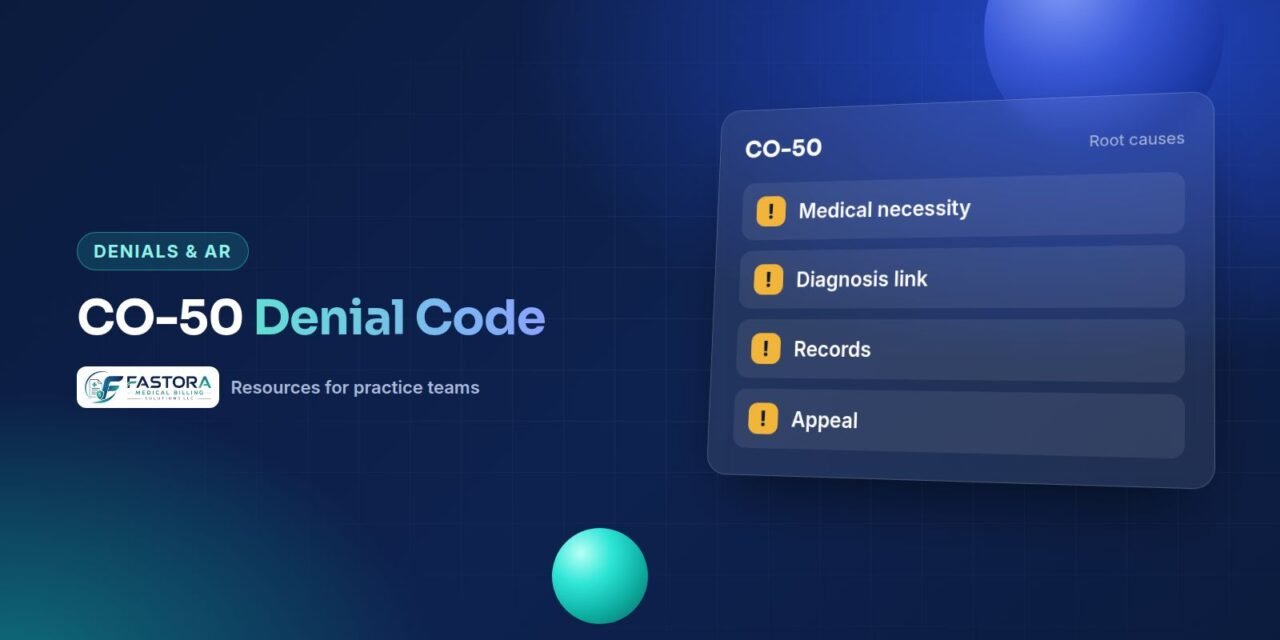
- Diagnosis not on the covered list. Many LCD billing articles list ICD-10-CM codes that support the service. A correct but unlisted code, or a less specific code, triggers the denial.
- Diagnosis pointer errors. The supporting diagnosis is on the claim but the line points to a different one.
- Frequency limits. The service is covered, but not as often as it was performed.
- Missing conditions of coverage. The policy requires prior failed treatment, specific test results or a documented functional limitation, and the note does not show it.
- Screening billed as diagnostic, or the reverse. Coverage rules for screening and diagnostic versions of a service often differ.
- Experimental or investigational services under the payer's policy, which some payers report under code 50 and others under different codes.
How to fix a CO-50 denial step by step
- Identify the policy: the LCD, NCD or commercial medical policy named in the remark code, policy segment or payer portal.
- Read its coverage indications, limitations and the covered diagnosis list for the date of service.
- Compare the claim with the note. Was a more specific diagnosis documented but not coded? Did the line point to the wrong diagnosis?
- If the claim was coded wrong, correct it. For commercial payers that is usually a corrected claim. For Medicare, clerical errors can often be fixed through a reopening with the MAC rather than an appeal.
- If the claim was coded right and the note meets the policy, prepare an appeal.
- If the note does not meet the policy, the denial may be correct. Check whether an ABN or payer-specific waiver was signed before deciding who is responsible.
Building a medical necessity appeal
A medical necessity appeal succeeds when it ties the record to the policy point by point. A generic letter that says the service was necessary rarely changes the decision.
- Quote the policy criteria and show where the note meets each one.
- Include the visit note, test results, prior treatment history and any order or referral.
- Add a short letter of medical necessity from the treating clinician when the note is thin on reasoning.
- For frequency denials, explain why the extra service was needed, such as a change in condition.
- Request a peer-to-peer review if the commercial payer offers one.
For Original Medicare, the first level is a redetermination by the MAC, which must be requested within 120 days of receiving the initial determination. Commercial appeal levels and deadlines are set by the plan and contract. Our guide on how to appeal a denied claim walks through each step and the letter format.
ABNs and patient responsibility
For Original Medicare, the Advance Beneficiary Notice of Noncoverage (ABN, form CMS-R-131) lets a provider shift liability to the patient when it expects Medicare to deny a service as not reasonable and necessary. It must be given before the service, and it must state a specific reason the provider expects denial. A routine ABN signed by every patient does not meet CMS rules.
Claim modifiers record what happened. GA shows that a required ABN was issued and is on file; if Medicare then denies, the amount is generally reported as patient responsibility. GZ shows the provider expected a denial but no ABN was signed, so the provider remains liable. Medicare Advantage and commercial plans use their own pre-service notice processes, so check the plan's rules rather than using an ABN.
Preventing CO-50 denials
Most CO-50 denials trace back to a gap that existed before the claim left the office: an unlisted diagnosis, a missing coverage criterion in the note or a frequency limit nobody checked. Prevention means putting the policy in front of the right person at scheduling, at documentation and at charge review.
- Build the LCD and NCD diagnosis lists for your high-volume services into scrubber edits.
- Code diagnoses to the highest specificity documented, and check diagnosis pointers line by line.
- Give clinicians short documentation prompts for the coverage criteria of tests and procedures they order often.
- Track frequency limits for repeat services, such as labs, imaging and injections.
- Screen Medicare services against coverage policies at scheduling and issue an ABN when a denial is expected.
Review CO-50 denials monthly by CPT code and ordering clinician. A cluster around one test or one provider usually points to a single policy gap that a scrubber edit or a short documentation prompt can close.
Help with medical necessity denials
Fastora's certified coders compare CO-50 denials against the policy and the note, correct coding gaps and prepare appeals where the record supports them. Read about our denial management and appeals service, or start with a free claims audit to see which services are being denied for necessity.
Checklist
Frequently asked questions
Can I bill the patient for a CO-50 denial?
Not when it is reported under group code CO. For Medicare, you can bill the patient only if a valid ABN was signed before the service and the claim carried the GA modifier, in which case the denial is generally reported as patient responsibility. Commercial plans follow their own notice rules and your contract.
What is the difference between CO-50 and CO-96?
CO-50 says the service is not covered because the payer did not consider it medically necessary. CO-96 is a general non-covered charge and must carry a remark code that explains why, such as a plan exclusion.
Should I appeal every CO-50 denial?
No. Start by checking the coding and the policy. Correct coding errors with a corrected claim or reopening. Appeal when the claim and the note both meet the policy criteria. If the note does not meet the policy, the denial may be correct.
Where do I find the policy Medicare used?
Look for remark code N115 for an LCD or N386 for an NCD, then search the CMS Medicare Coverage Database for the policy and its billing and coding article for your date of service.