If you are joining insurance networks as a provider, you will hear the name CAQH early in the process. Most commercial health plans ask you to maintain an active CAQH profile before they begin credentialing — yet many practices treat it as a one-time signup and forget it. That is when problems start: an expired attestation, an outdated address, or a payer that was never authorized to see your profile can stall enrollment for weeks.
This guide explains CAQH credentialing in plain terms: what CAQH is, how the provider profile works, what re-attestation is and why it matters every 120 days, what to update and when, and how to fix a profile that has gone stale.
What Is CAQH?
CAQH stands for the Council for Affordable Quality Healthcare. It operates a centralized database that participating health plans use to collect and verify provider information during credentialing. The system you will use is called the CAQH Provider Data Portal (you may still see it called CAQH ProView, its former name).
Here is the key idea: instead of filling out a different credentialing application for every health plan, you complete one detailed profile in the CAQH portal and then authorize each participating payer to access it. Payers use that profile for primary source verification — checking your licenses, education, work history, and other credentials against the issuing sources.
One important distinction: CAQH is a data platform, not a credentialing service. Keeping your CAQH profile current supports credentialing, but it does not replace each payer’s own credentialing review and enrollment requirements. Payers may still ask for their own forms, documents, or signatures on top of your CAQH profile.
Why payers require it
Credentialing is how a health plan verifies that a provider is qualified to join its network. Before a payer will let you bill as an in-network provider, it has to confirm your identity, licensure, training, malpractice history, and other details. CAQH gives payers a single, reliable place to pull that data. If your profile is incomplete or outdated, the payer cannot finish its review — and your application sits waiting while everything else is ready.
Setting Up Your CAQH Profile
The CAQH Provider Data Portal is free for providers to use. Setting up a profile is detail-intensive but straightforward:
- Check whether you already have a CAQH ID. If a previous employer set up a profile, recover that account rather than creating a duplicate.
- Register on the portal — create login credentials, answer security questions, and accept the terms of use.
- Complete the provider profile: personal information, professional IDs (NPI, state licenses, DEA registration), education and training, work history, practice locations, hospital affiliations, malpractice coverage, and disclosure questions.
- Upload supporting documents — licenses, malpractice certificates, CV, diplomas, board certifications. Upload current versions; expired documents are a classic source of delays.
- Review and attest that everything is complete and accurate.
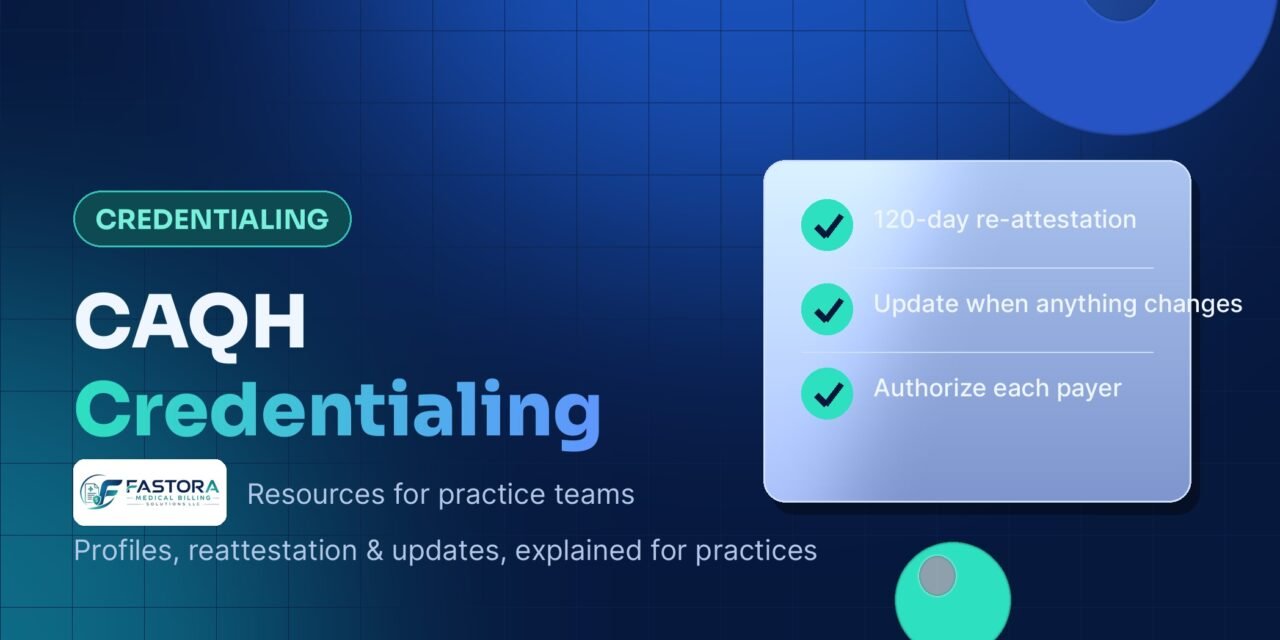
- Authorize your payers. Select the participating health plans allowed to access your profile. Only you control who sees your information — a payer cannot view your profile until you authorize it.
- Follow each payer’s own steps. Your CAQH profile feeds their review, but you still complete each payer’s credentialing, contracting, and enrollment process on its terms.
Information to have ready
Before you start, gather your NPI, CAQH ID (if you have one), state licenses with expiration dates, DEA certificate if applicable, malpractice certificate with coverage dates, W-9, education and training dates, a complete work history with no gaps, and your current practice address and contact details. Having everything ready turns a multi-session chore into one sitting. Providers opening a new practice can fold CAQH setup into the broader startup checklist in our new-practice guide.
Re-Attestation: The 120-Day Cycle
Here is the part that trips up most practices. CAQH requires you to re-attest to your profile every 120 days — roughly every four months — even if nothing about your information has changed. You log in, confirm that your profile is still accurate and complete, and attest again.
If you miss the deadline, your profile status changes to inactive or expired. Payers that try to access your data will see it is not current, and many will pause your credentialing or re-credentialing application until you re-attest. One missed deadline can add weeks to your enrollment timeline.
Making re-attestation routine
The practices that stay current treat re-attestation as a recurring task: put all 120-day dates on one credentialing calendar alongside license, DEA, and malpractice expirations; assign one person to own it; and keep the account’s primary email current so reminder emails actually arrive.
What to Update — and When
Do not wait for the 120-day mark to update your profile. Update CAQH any time your information changes. A mismatch between your CAQH profile and a payer application is one of the fastest ways to trigger a “deficiency” notice that stops the clock on your application.
| What changed | What to update in CAQH |
|---|---|
| Practice location, phone, or contact info | Practice locations and contact details |
| New or renewed state license | Professional IDs with the new expiration date |
| DEA or controlled-substance registration renewed | Professional IDs with the new expiration date |
| New malpractice policy | Malpractice coverage with current certificate uploaded |
| Board certification earned or renewed | Certifications section with the document |
| Joined a new group or changed employer | Practice affiliation, work history, start date |
| Hospital privileges granted or changed | Hospital affiliations |
| New payer you want to contract with | Authorize that payer to access your profile |
The principle is simple: the profile should always reflect the provider as they are today, not as they were at the last attestation.
Common CAQH Mistakes That Delay Enrollment
The same handful of CAQH problems comes up again and again on the credentialing side of medical billing. Watch for these:
1. Letting the attestation lapse
The most common issue. Providers get busy, the 120 days pass, and the profile goes inactive right when a payer is reviewing it. The fix takes minutes, but the lost time cannot be recovered.
2. Forgetting to authorize a payer
You completed the profile and attested, but never authorized the specific health plan to access it. The payer cannot even begin its review. Check the authorization list every time you apply to a new network.
3. Expired documents still on file
Upload renewals the week you receive them — an old malpractice certificate flagged during attestation stops the clock.
4. Mismatched addresses or IDs
Your CAQH practice address, NPI record, and payer application must tell the same story. Even a suite-number mismatch can trigger additional verification.
5. Gaps in work history
Incomplete or inconsistent employment dates invite extra verification requests. Account for every period, including gaps, rather than leaving blanks.
6. Assuming CAQH does the whole job
CAQH supports credentialing but does not replace payer enrollment. Providers who stop after attesting and never complete the payer’s own process are still not in-network.
What to Do If Your CAQH Profile Expires
If you discover that your attestation has lapsed, fix it the same day:
- Log in to the CAQH Provider Data Portal and review the profile for alerts or missing information.
- Update everything out of date — licenses, addresses, affiliations, malpractice coverage — and upload current documents.
- Complete your re-attestation, then confirm your authorized payers are still on the list.
- Follow up with each affected payer so the review can resume.
Once re-attestation is complete, payers can see your current data again and pick up where they left off.
FAQs
What is CAQH credentialing?
CAQH credentialing is the process of creating and maintaining a provider profile in the CAQH Provider Data Portal so participating health plans can verify your credentials during their reviews. CAQH itself does not credential you — it gives payers the verified data they need to do it.
Is CAQH free for providers?
Yes. Registering, maintaining, and attesting to your profile costs providers nothing. If you hire a service to manage the process for you, that assistance is a separate service fee.
How often do I need to re-attest my CAQH profile?
Every 120 days, even if nothing has changed. Missing the deadline makes your profile inactive for payers, which can stall credentialing. Also update the profile any time your information changes — don’t wait for the cycle.
What happens if my CAQH profile expires during credentialing?
Payers may pause your application until the profile is current, delaying your network effective date and claim payments. Log in, update your information, upload current documents, re-attest, and notify the affected payers.
Does CAQH automatically enroll me with insurance companies?
No. CAQH is a data management system, not an enrollment service. You apply to each insurance panel separately and authorize each payer to access your profile — a payer cannot view your information without your authorization.
Can I manage CAQH myself, or should I get help?
Many providers manage CAQH themselves through the free portal. Practices often get help when onboarding multiple providers or when credentialing delays are already costing revenue — a dedicated owner of the process, in-house or outsourced, is what keeps profiles current. If you decide to look for outside help, see how to choose a medical billing company.
Conclusion
CAQH credentialing is not difficult, but it is unforgiving of neglect. Set up the profile carefully once, re-attest every 120 days, update it whenever anything changes, and authorize every payer you work with. That routine is the difference between a credentialing process that moves and one that stalls on a lapsed attestation you forgot about.
If your practice is losing revenue to credentialing delays, a good first step is a clear-eyed look at where the holds are — CAQH status, payer follow-ups, and document gaps are common culprits. Fastora’s credentialing services handle the full provider enrollment process, including CAQH profile setup, re-attestation tracking, and payer follow-up, so nothing sits waiting. Start with a free billing assessment to find exactly what is slowing your enrollment and collections down.